
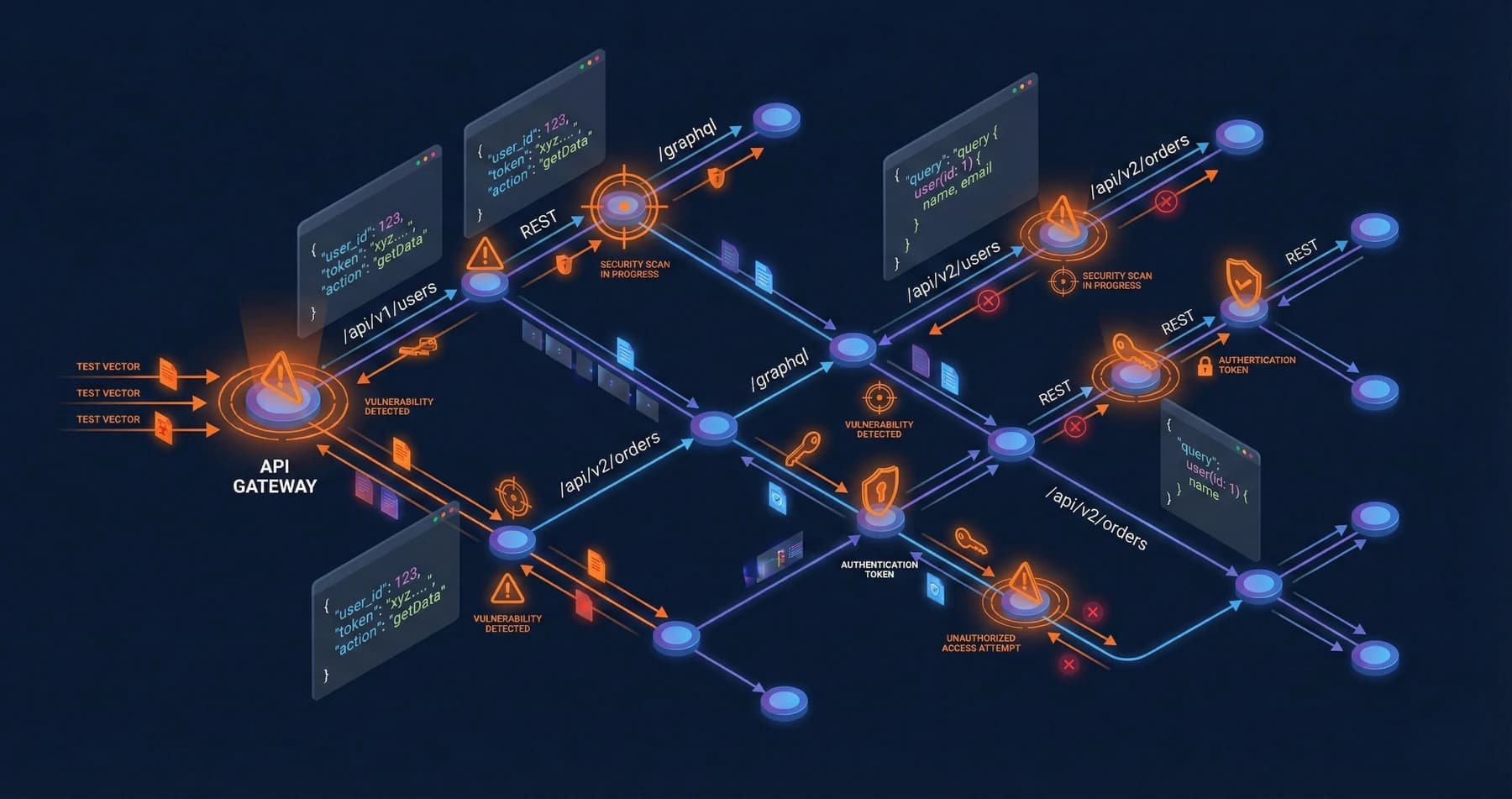
Every modern application depends on APIs. Mobile apps talk to backend APIs. Frontend SPAs consume APIs. Microservices communicate through APIs. Third parties integrate through APIs.
This explosion of API usage has created an enormous attack surface that many organizations barely test. Web application penetration tests focus on the UI, often treating the underlying APIs as a black box. The result is APIs with critical vulnerabilities in production.
Why APIs Are the New Perimeter
Traditional perimeter security assumed a clear boundary between trusted and untrusted networks. APIs have dissolved this boundary:
Direct Data Access
APIs often provide more direct access to data and functionality than user interfaces. A web form might validate inputs and limit operations; the underlying API might accept anything.
Increased Exposure
APIs are designed to be called by multiple clients: web apps, mobile apps, partners, third parties. Each integration point is a potential attack vector.
Documentation as Attack Guide
API documentation (Swagger/OpenAPI, GraphQL schemas) helpfully tells attackers exactly what endpoints exist, what parameters they accept, and what responses to expect.
Complex Authorization
APIs often implement authorization that's more complex than traditional web apps, with different users having different permissions accessing different resources through the same endpoints. Complexity breeds vulnerabilities.
OWASP API Security Top 10
OWASP's API Security Top 10 highlights the most critical API vulnerabilities. Understanding these is essential for effective testing:
API1: Broken Object Level Authorization (BOLA)
The most common and dangerous API vulnerability. APIs expose endpoints that handle object identifiers, and attackers manipulate those identifiers to access unauthorized resources.
Example: An API endpoint /api/users/123/account returns account details for user 123. An attacker changes the ID to /api/users/456/account and accesses another user's data.
Testing approach:
- Identify all endpoints that use object identifiers
- Attempt to access objects belonging to other users
- Test with different user roles and permission levels
- Check both direct references and indirect references
API2: Broken Authentication
APIs implement authentication mechanisms that can be vulnerable to attack: weak tokens, improper validation, or exposure of credentials.
Common issues:
- JWT tokens without proper validation
- API keys transmitted insecurely
- No rate limiting on authentication endpoints
- Tokens that never expire
Testing approach:
- Test token generation for weaknesses
- Attempt token manipulation (JWT algorithm confusion, signature bypass)
- Check for credential exposure in responses
- Test session/token expiration
API3: Broken Object Property Level Authorization
APIs may expose more object properties than necessary, or allow modification of properties that should be read-only.
Example: An API returns user objects that include isAdmin fields that should never be exposed to regular users, or allows users to modify their own role property through update endpoints.
Testing approach:
- Compare response properties across different user roles
- Attempt to modify properties that should be read-only
- Check for mass assignment vulnerabilities
API4: Unrestricted Resource Consumption
APIs without proper limits can be abused for denial of service or resource exhaustion.
Common issues:
- No rate limiting
- No pagination on list endpoints
- Resource-intensive operations without limits
- File upload without size restrictions
Testing approach:
- Test for rate limiting on all endpoints
- Request large result sets
- Submit resource-intensive operations repeatedly
- Upload oversized files
API5: Broken Function Level Authorization
APIs may have administrative functions accessible to regular users if authorization checks are incomplete.
Example: The main application properly restricts admin functions, but the API endpoints for those functions don't implement their own authorization checks.
Testing approach:
- Enumerate all API endpoints (documentation, traffic analysis)
- Test administrative endpoints with regular user credentials
- Check for hidden or undocumented administrative functions
- Test horizontal privilege escalation between user roles
We frequently find administrative API endpoints that are "protected" only by not being linked from the UI. The API itself performs no authorization check. If an attacker discovers the endpoint (through documentation, traffic analysis, or guessing), they have administrative access.
API6: Unrestricted Access to Sensitive Business Flows
APIs enable automation that can abuse business logic: mass account creation, rapid purchasing, or automated scraping.
Testing approach:
- Identify business-sensitive operations
- Test automation of those operations
- Check for controls that distinguish legitimate use from abuse
API7: Server Side Request Forgery (SSRF)
APIs that fetch remote resources based on user input can be exploited to access internal systems.
Common patterns:
- URL preview features
- Webhook functionality
- File import from URL
- PDF generation from URL
Testing approach:
- Identify all endpoints that fetch remote resources
- Test with internal addresses (127.0.0.1, internal hostnames)
- Test protocol handlers (file://, gopher://)
- Check for DNS rebinding vulnerabilities
API8: Security Misconfiguration
APIs are often misconfigured in ways that expose vulnerabilities.
Common issues:
- Verbose error messages exposing implementation details
- Unnecessary HTTP methods enabled
- Missing security headers
- Debug features enabled in production
- Default credentials on API infrastructure
Testing approach:
- Review response headers for missing security controls
- Test all HTTP methods on endpoints
- Trigger errors and analyze responses
- Check for debug or development endpoints
API9: Improper Inventory Management
Organizations often lose track of API versions and endpoints, leaving deprecated or development APIs exposed.
Testing approach:
- Enumerate all API versions (v1, v2, dev, beta)
- Check for deprecated endpoints still accessible
- Look for internal APIs exposed externally
- Review API documentation for completeness
API10: Unsafe Consumption of APIs
When an API consumes third-party APIs, vulnerabilities in how that data is processed can be exploited.
Testing approach:
- Identify third-party API integrations
- Test for injection through data returned by third parties
- Check trust assumptions about third-party data
REST API Testing Methodology
For REST APIs specifically, follow this systematic approach:
1. Discovery and Enumeration
Gather information:
- API documentation (Swagger, OpenAPI, Postman collections)
- Traffic capture from web/mobile applications
- JavaScript analysis for frontend apps
- Directory brute-forcing for undocumented endpoints
Map the API:
- All endpoints and their HTTP methods
- Required and optional parameters
- Authentication mechanisms
- Expected responses and error handling
2. Authentication Testing
Test token security:
- Token generation randomness
- Token lifetime and expiration
- Token revocation mechanisms
- Multi-use vs. single-use tokens
Test authentication flows:
- Password reset functionality
- Account lockout mechanisms
- Session management
- Multi-factor authentication (if present)
3. Authorization Testing
Test access controls:
- Vertical privilege escalation (user → admin)
- Horizontal privilege escalation (user A → user B's data)
- Object-level authorization for every endpoint
- Function-level authorization for administrative features
4. Input Validation
Test for injection:
- SQL injection in parameters
- NoSQL injection
- Command injection
- LDAP injection
- XSS in stored values
Test parameter handling:
- Type confusion (string where number expected)
- Boundary conditions (negative numbers, large values)
- Special characters and encoding
5. Rate Limiting and Resource Consumption
Test limits:
- Authentication endpoints
- Data retrieval endpoints
- Resource-intensive operations
- File upload limits
6. Data Exposure
Review responses:
- Sensitive data in responses
- Verbose error messages
- Unnecessary fields exposed
- Information in headers
GraphQL-Specific Considerations
GraphQL APIs present unique security challenges:
Introspection
GraphQL introspection queries reveal the entire API schema. While useful for development, introspection in production provides attackers a complete map of your API.
Testing: Check if introspection is enabled. Query __schema to enumerate types, queries, and mutations.
Query Complexity
GraphQL allows nested queries that can be extremely resource-intensive. Without limits, attackers can craft queries that cause denial of service.
Testing: Create deeply nested queries and queries that join large datasets. Check for query depth limits, complexity limits, and timeouts.
Batching Attacks
GraphQL typically allows multiple queries in a single request. This can bypass rate limiting applied per-request.
Testing: Send batched requests to test if rate limiting considers individual queries or just requests.
Authorization in Resolvers
GraphQL resolvers must implement authorization for each field and relationship. Complex schemas often have authorization gaps.
Testing: Test authorization at field level, not just query level. Check if authorized users can traverse relationships to unauthorized data.
Integrating API Security into Development
Testing alone isn't sufficient. Build API security into your development process:
API Security Standards
Define and enforce standards for:
- Authentication mechanisms
- Authorization patterns
- Input validation
- Rate limiting
- Error handling
- Logging requirements
Security in API Design
Review API designs before implementation:
- Minimize data exposure
- Use allowlists for input parameters
- Design authorization into the data model
- Plan for rate limiting
Automated Security Testing
Integrate security testing into CI/CD:
- Static analysis of API code
- Dynamic testing of API endpoints
- Dependency vulnerability scanning
- Configuration security checks
Runtime Protection
Deploy API security controls:
- API gateways with security features
- Web application firewalls with API support
- Runtime application self-protection (RASP)
- API-specific monitoring and alerting
Getting Started
If you haven't focused on API security:
-
Inventory your APIs: You can't secure what you don't know exists.
-
Assess critical APIs: Start with APIs that handle sensitive data or critical functions.
-
Test against OWASP Top 10: Use the API Security Top 10 as a baseline checklist.
-
Fix systemic issues: Don't just patch individual vulnerabilities. Fix the patterns that created them.
-
Build security in: Update development practices to prevent API vulnerabilities from being introduced.
APIs are the foundation of modern applications. Their security deserves the same attention (or more) that we give to traditional web application security.
Related Service
Learn more about how we can help with Penetration Testing.
Explore Penetration Testing Services →